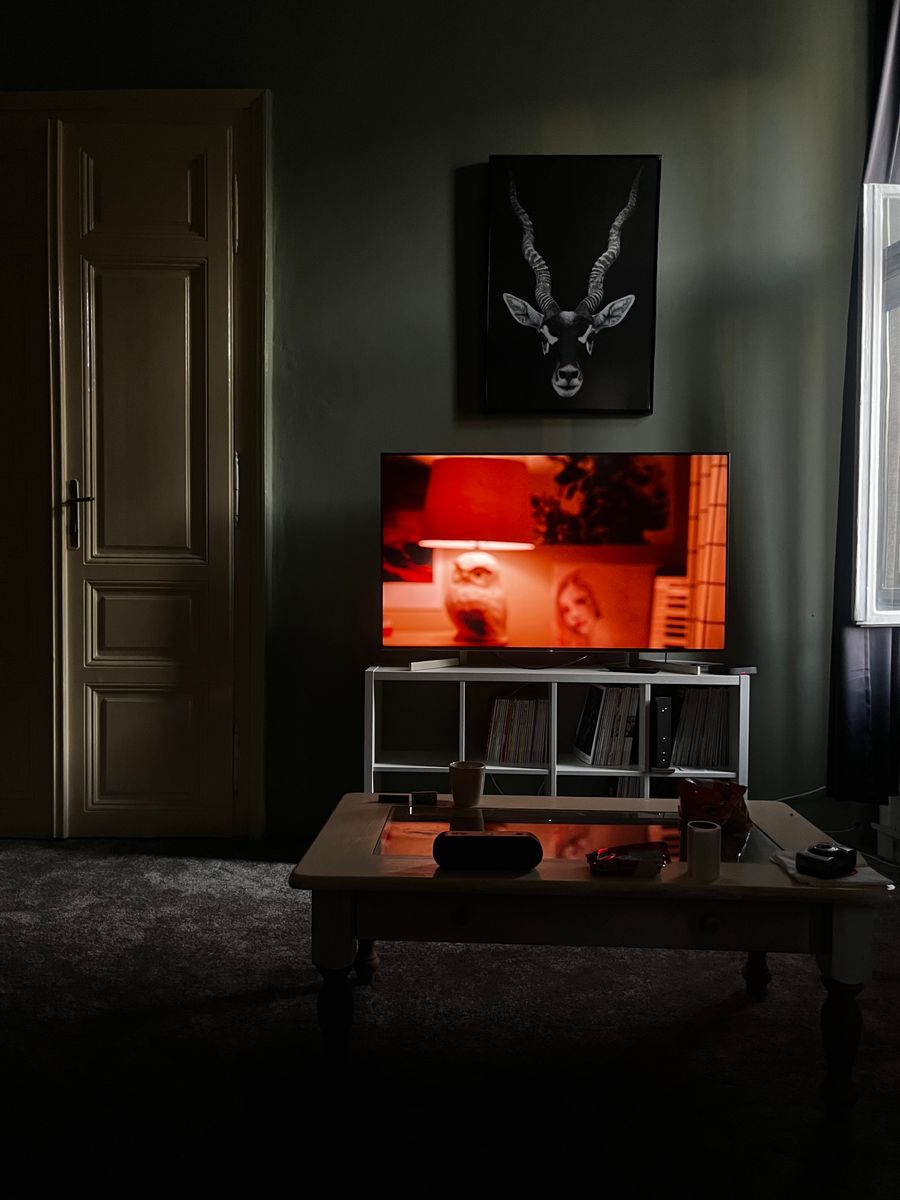
Digital signage made simple

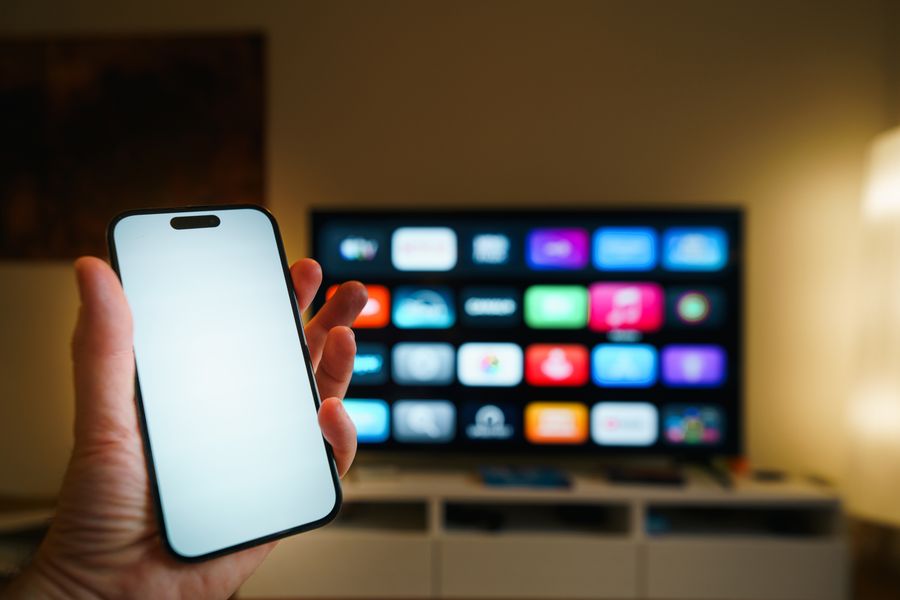
Turn any TV into a managed screen.

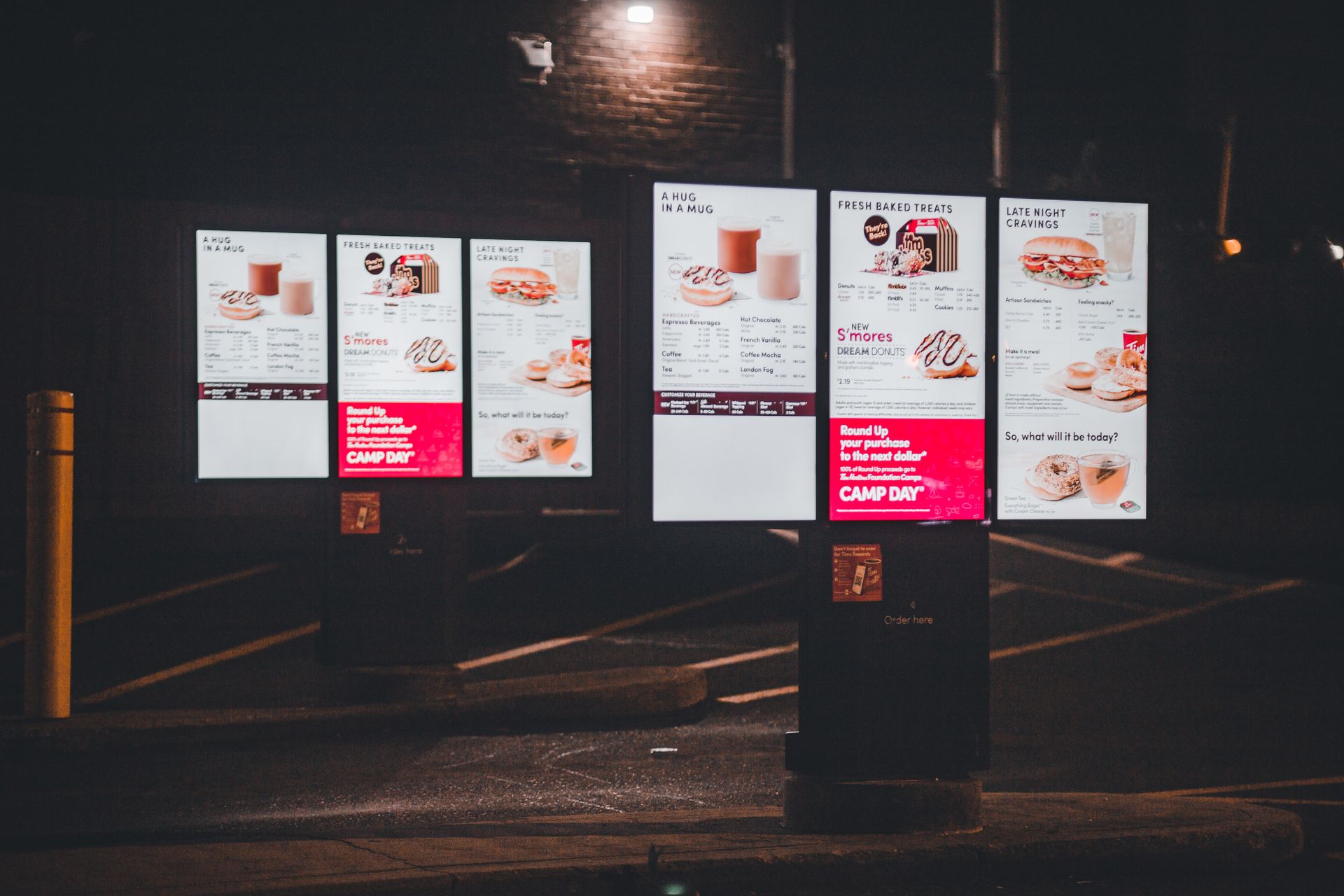
Upload videos, build playlists, and schedule them across your screens — breakfast menu on weekday mornings, promo loop till Sunday. Players cache everything locally, so playback survives bad Wi-Fi.

  • 14-day free trial
  • No card required
  • Pay per screen
SLEEPING · WAKES 06:00
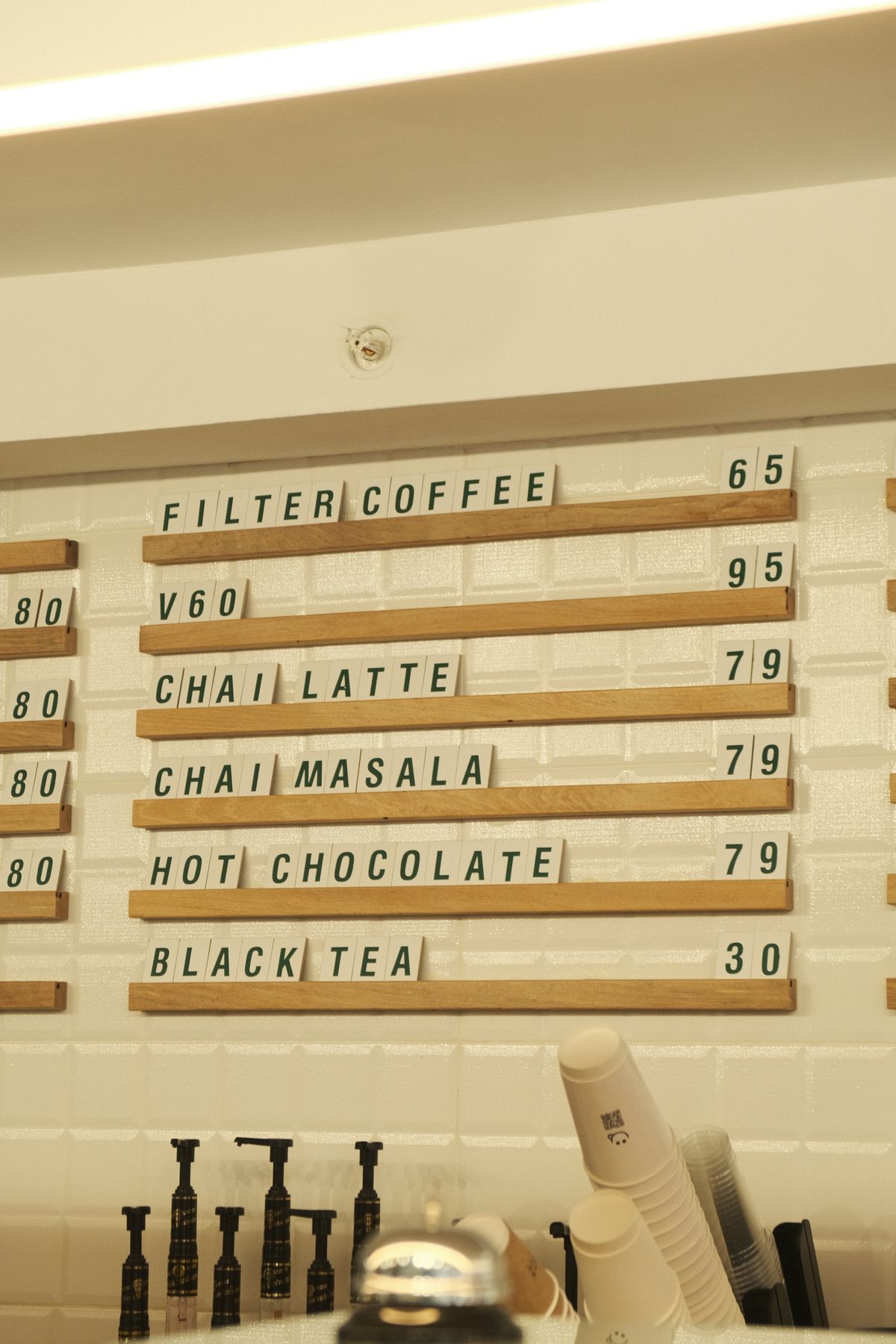
ON AIRBreakfast menuPlaylist · Morning loop · Mon–Fri 06:00–11:00
ON AIRLunch specialsPlaylist · Daytime loop · Daily 11:00–17:00
ON AIREvening promosPlaylist · Evening loop · Daily 17:00–24:00
offmorningdaytimeevening
00:0006:0012:0018:0024:00

One screen's day, in 24 seconds. You draw this timeline in the dashboard; every screen follows it on its next sync.


Features

Everything a screen fleet needs

Built for screens that can't go dark — restaurants, shops, lobbies, and offices across the Maldives and beyond.

Content scheduling

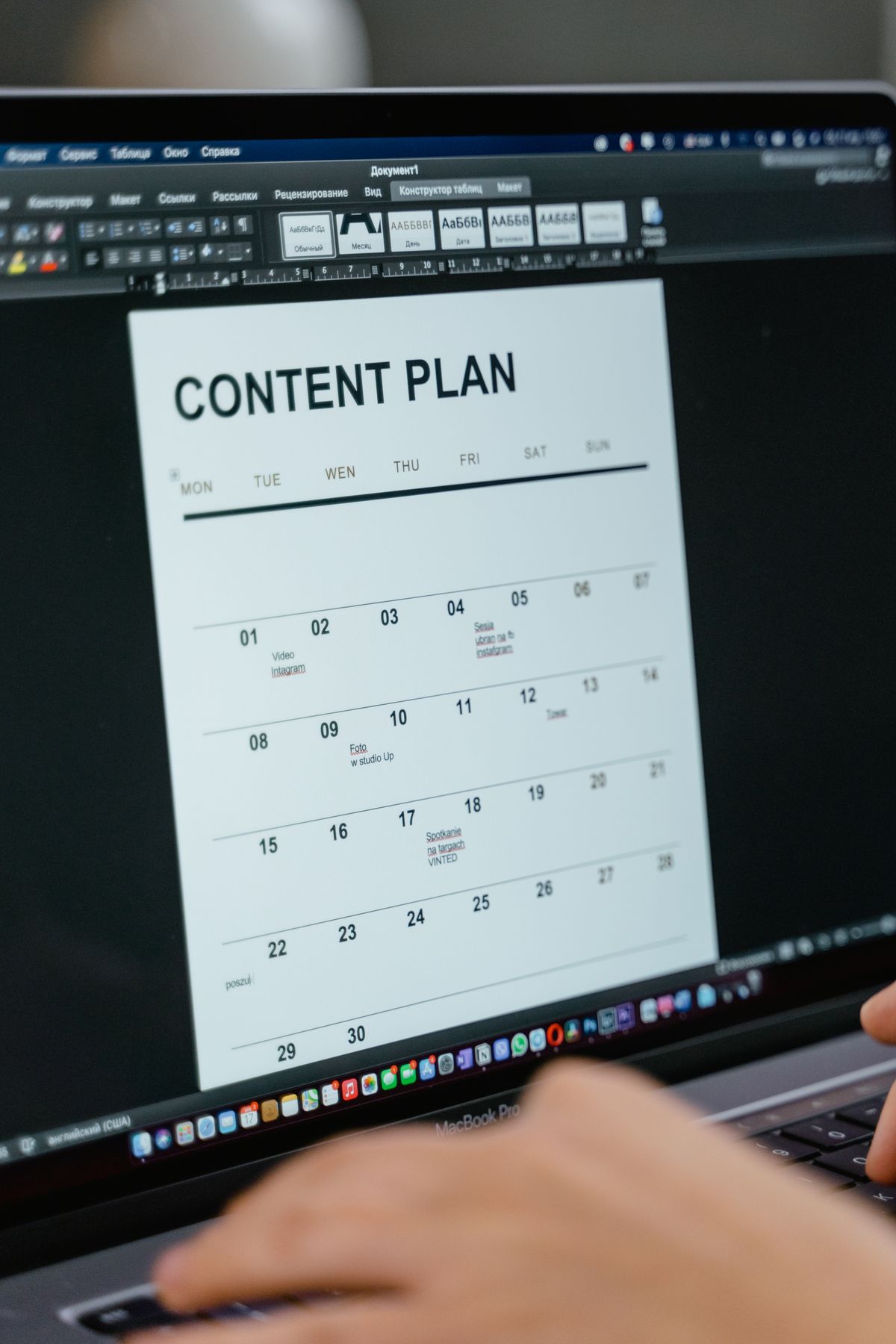
Daypart your content on a weekly calendar: lunch menus swap by time of day, campaigns run between dates, overnight windows just work.

Offline support

Players download every video to local storage and verify checksums. A dropped connection never blanks a screen — content keeps looping through any outage.

Works on any Android device

Android TVs, boxes, and tablets — no proprietary hardware. Install the player, enter a 6-digit code, and the screen joins your organization.

Instant updates

Screens poll a tiny manifest and pick up changes within a minute of hitting save — without streaming a single frame.

Fleet dashboard

See every screen's online status and last sync, assign playlists per screen or fleet-wide, and revoke a screen instantly.

Team accounts

Everything belongs to your organization. Teammates manage content; plan and billing decisions stay with the owner.

How it works

Three steps to a running screen

No cables, no USB sticks, no configuring players by hand.

STEP 01

Pair the screen

Install the player app — it shows a 6-digit code. Type the code into your dashboard and the screen joins your organization.

731 942
STEP 02

Build playlists

Upload MP4s straight from the browser and drag them into playlists — one per screen, or one shared loop for the whole fleet.

STEP 03

Put them on a schedule

Pick the dates, weekdays, and hours each playlist should play. Overlaps resolve by priority; overnight windows just work.

Pricing

Simple, per-screen pricing

Pay per screen — every screen includes its own storage and video allowance, and every feature. Start with a 14-day free trial, no card required.

What would it cost?

  • Monthly: $30 /month
  • Annually: $288 /year ($24/month)
  • Includes 15 GB storage · 75 videos

Prices in USD. Maldives customers are billed in MVR.

Turn your TVs into managed screens today

Set up your first screen in minutes. Free for 14 days — no card required.